As a team grows past a handful of people, “everyone sees everything” stops being a reasonable default. Autovella's permission model is built to scale from a small team where most people have broad access to a larger organization where access needs to be precise, without requiring a full rebuild in between.
In this guide
Default roles and what they can doCreating custom rolesTeam and record-level sharingSSO and SCIM for larger teamsFrequently asked questions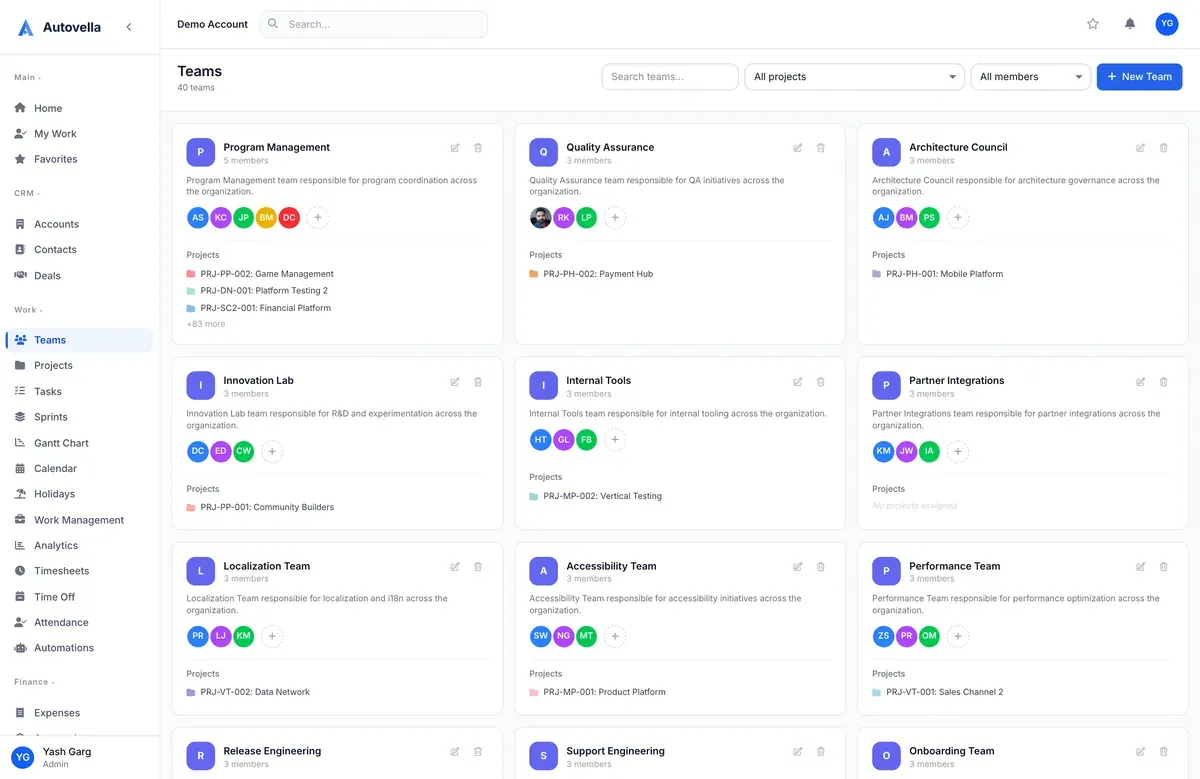
Default Roles and What They Can Do
Autovella ships with a set of default roles: Admin (full access, billing, integrations, org settings), Manager (approves time and expenses, manages team projects), Employee (logs time, works assigned tasks), Contractor (similar to Employee, typically scoped to specific projects), and Finance (invoicing, expenses, payment tracking, without project management access). These cover most organizations without any customization needed on day one, see Getting Started with Autovella for how to assign them during setup.
Creating Custom Roles
When the default roles don't fit, a client-facing coordinator role that needs to see projects but not financials, for example, custom roles can be built from Settings → Roles. Each custom role is a specific combination of module-level permissions (read, create, update, delete) across CRM, projects, time, billing, and every other module, so access can be as broad or as narrow as the position actually requires.
Team and Record-Level Sharing
Beyond role-based module access, individual records, a specific project, a specific account, can be shared with a team or an individual regardless of their default role permissions. This is what lets a contractor see exactly the one project they're staffed on without being granted broad access to every project in the organization.
Record-level sharing is the difference between "can this role see projects" and "can this person see this project." Most access problems in a growing team come from needing the second, more specific answer, not the first.
SSO and SCIM for Larger Teams
- SSO (single sign-on) lets your team authenticate through your existing identity provider
- SCIM automates provisioning and deprovisioning as people join or leave the organization
- Both are available on the Enterprise plan for organizations with formal IT/security requirements
- Field-level permissions and audit logs are also available for compliance-sensitive teams
See permissions and sharing configured for your team
We'll walk through setting up roles that match how your organization is actually structured.
Frequently asked
Yes, roles can be changed at any time from Settings → Team without needing to re-invite the person, and the change takes effect immediately on their next action in the app.
A role sets baseline permissions across an entire module (e.g., can this person see any project). Record-level sharing grants or restricts access to one specific record regardless of their role, useful for giving a contractor visibility into exactly one project without broader access.
No, SSO and SCIM are optional and available on the Enterprise plan for organizations with existing identity provider requirements. Smaller teams typically use standard email/password or Google sign-in without any issue.