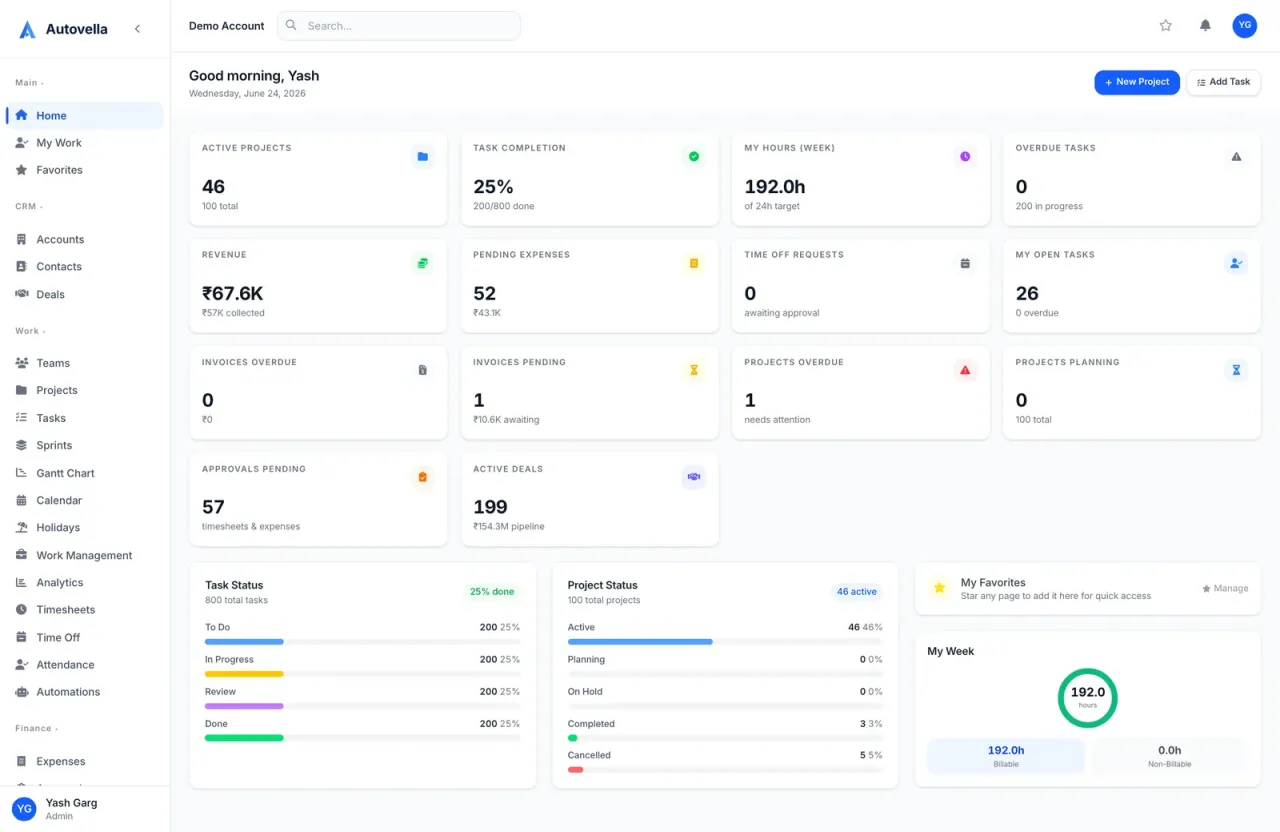
 Getting Started
A step-by-step guide to setting up your organization, inviting your team, importing data, and configuring your first project.
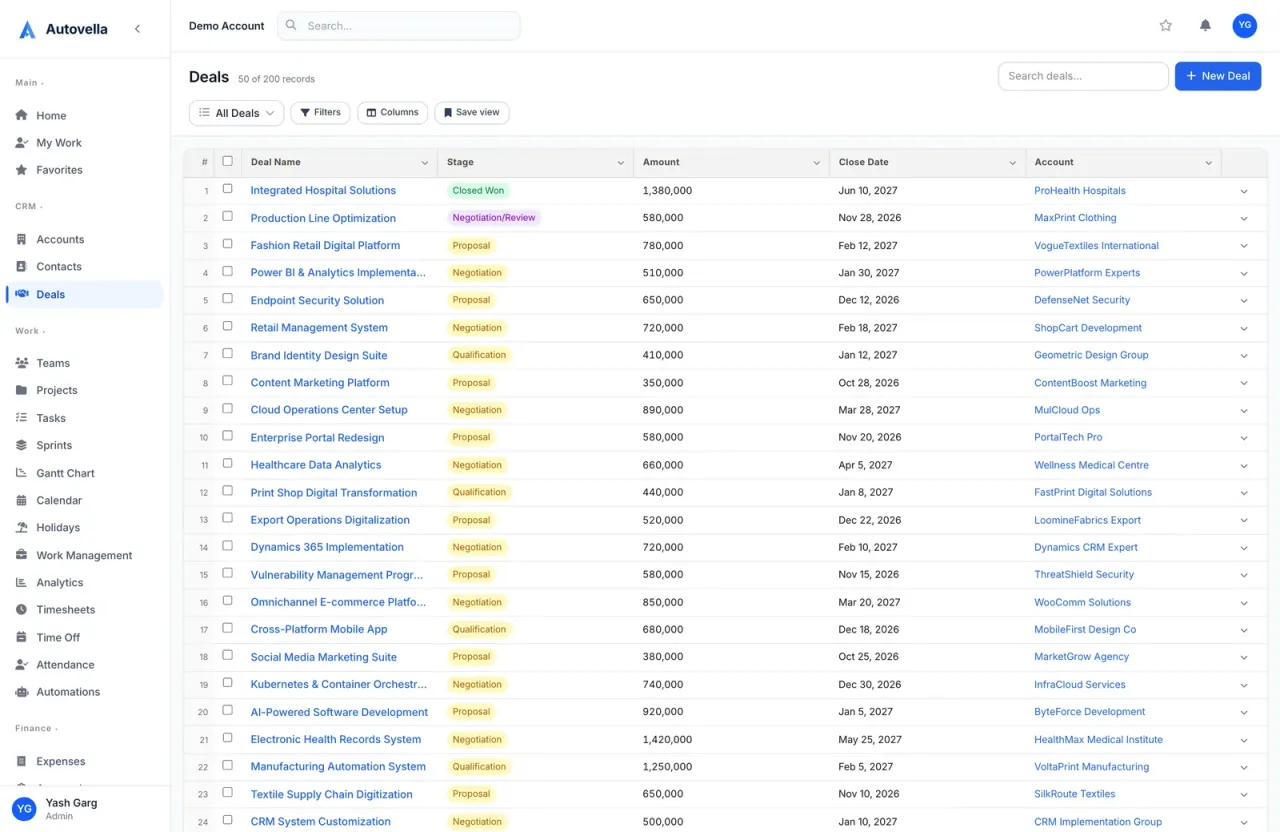 CRM & Sales
Set up accounts and contacts, run a visual deal pipeline, and convert a won deal straight into a scoped project.
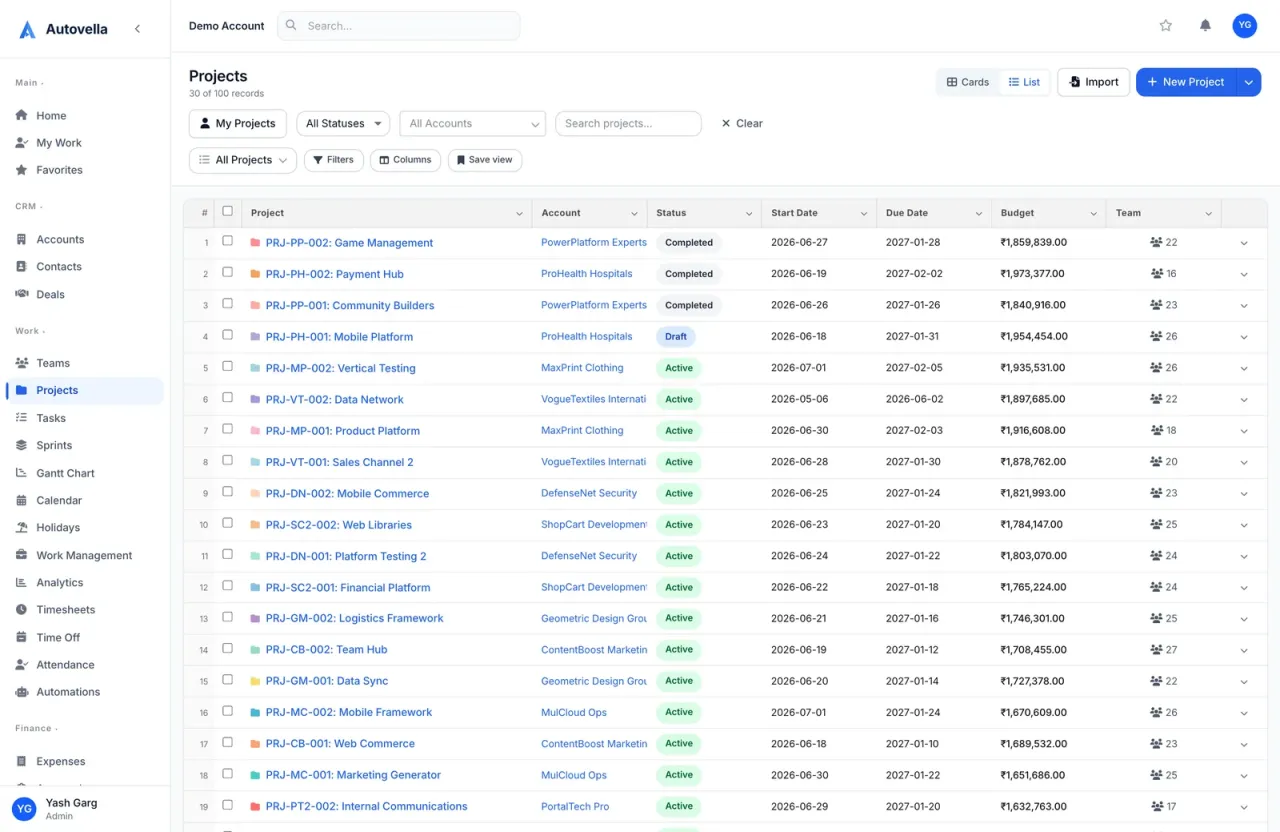 Projects & Tasks
Create projects, structure them with sections and custom fields, and turn a repeatable shape into a reusable template.
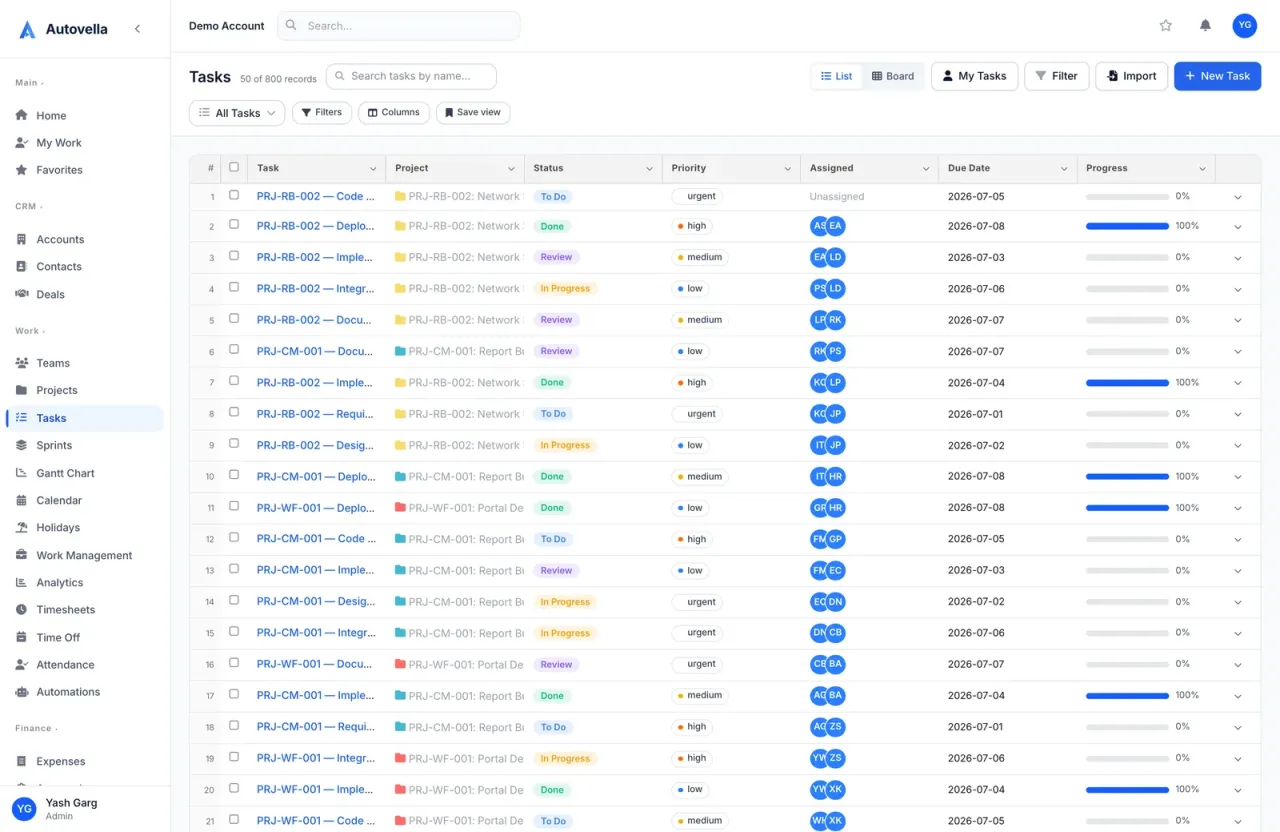 Projects & Tasks
Create, assign, and track tasks across Kanban boards, list view, calendar, and Gantt timelines, plus subtasks and dependencies.
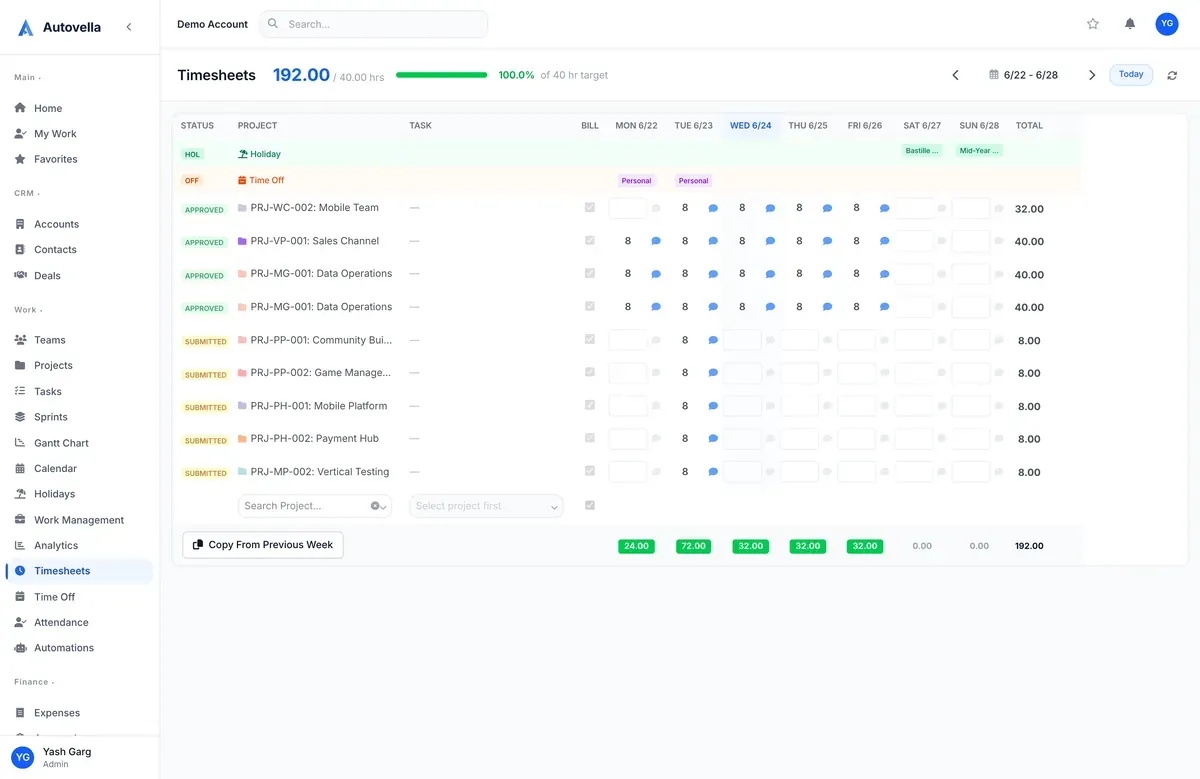 Time & Attendance
Log time against tasks, submit weekly timesheets, and run manager approvals so billable hours stay accurate.
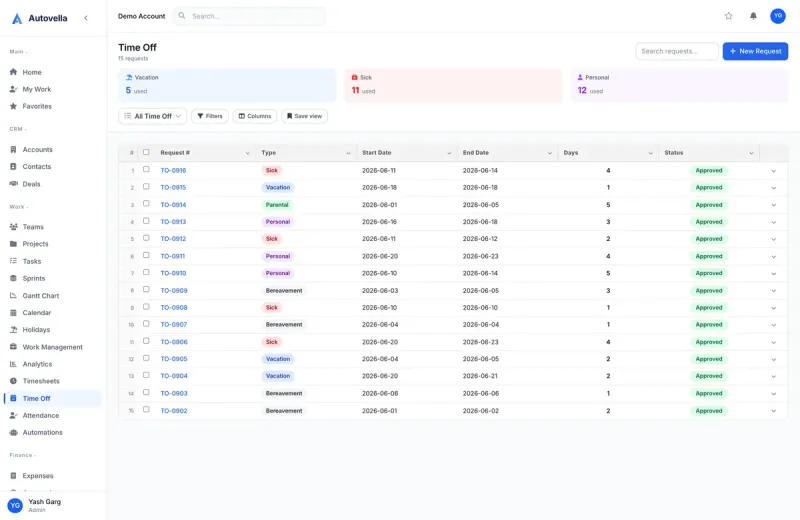 Time & Attendance
Request and approve time off, set up regional holiday calendars, and track attendance for accurate capacity planning.
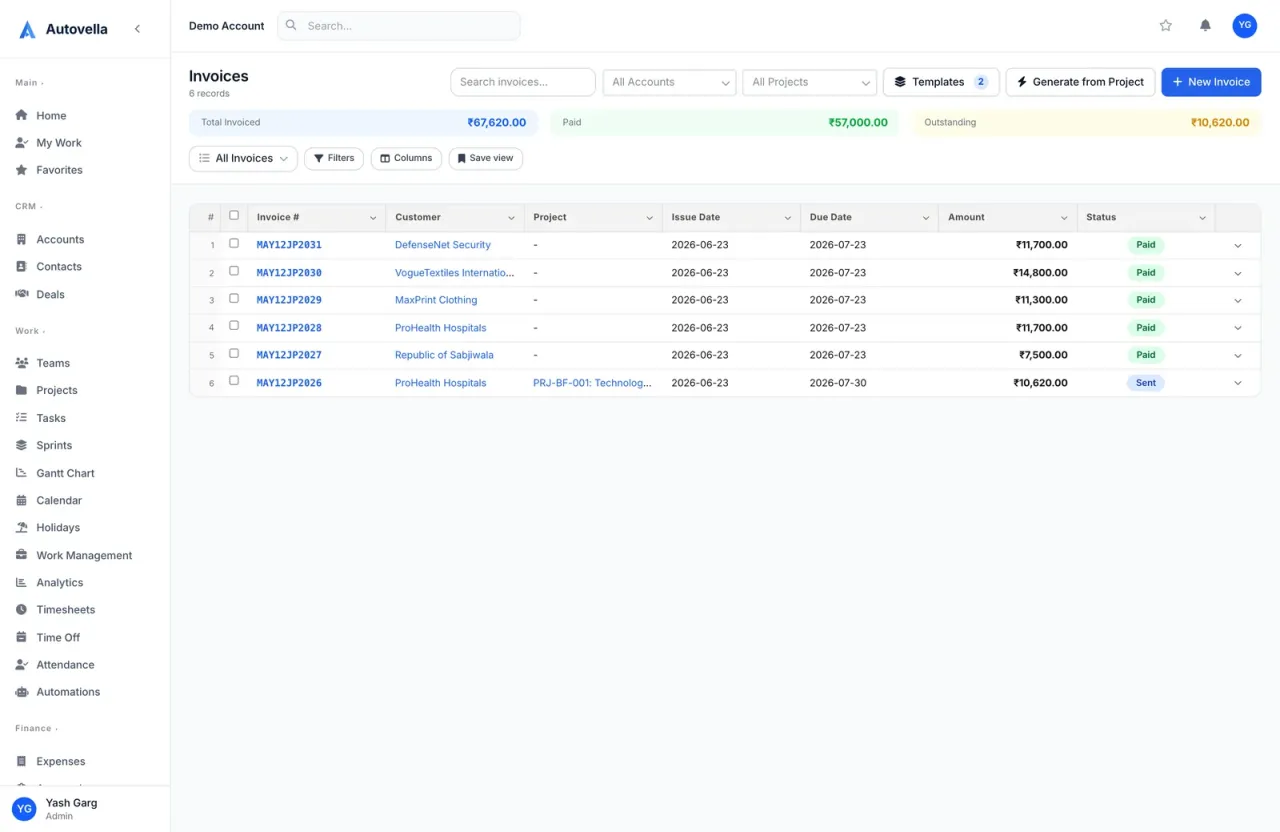 Finance & Billing
Generate invoices from approved time and expenses, set up recurring retainer billing, and configure payment reminders.
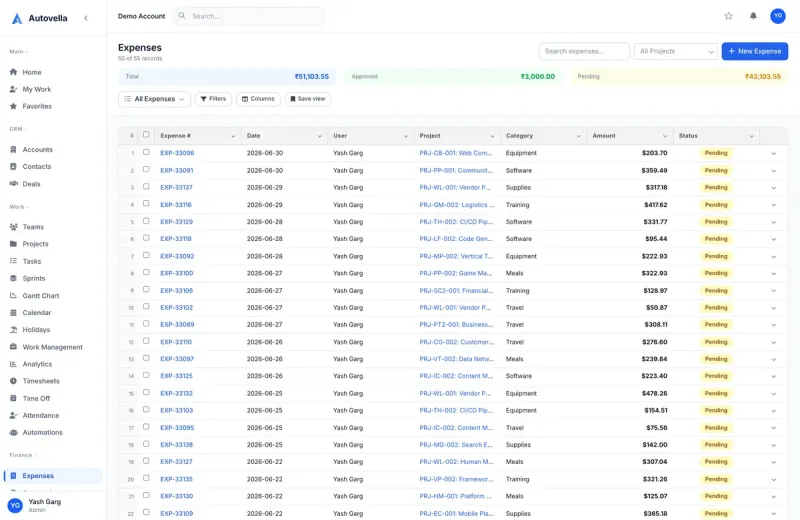 Finance & Billing
Log project expenses, categorize and approve them, and roll billable expenses into client invoices automatically.
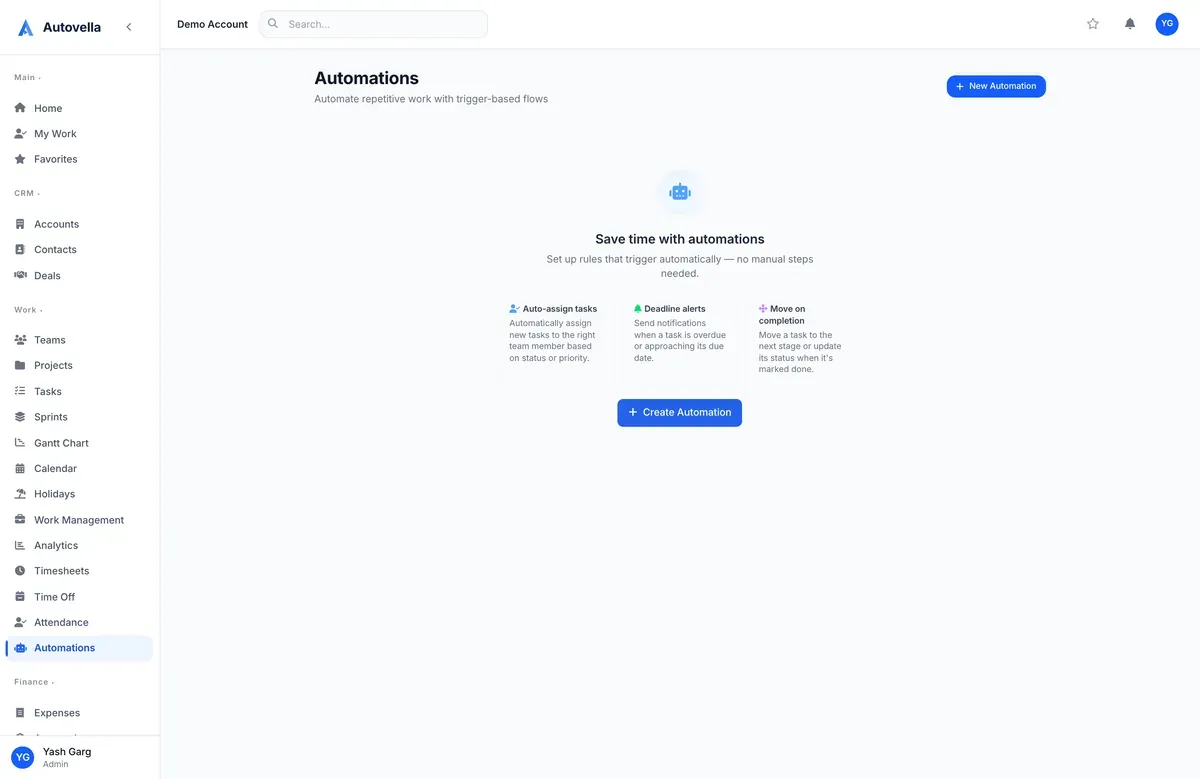 Automation
Build trigger-based automation rules to assign tasks, send notifications, and update fields automatically across modules.
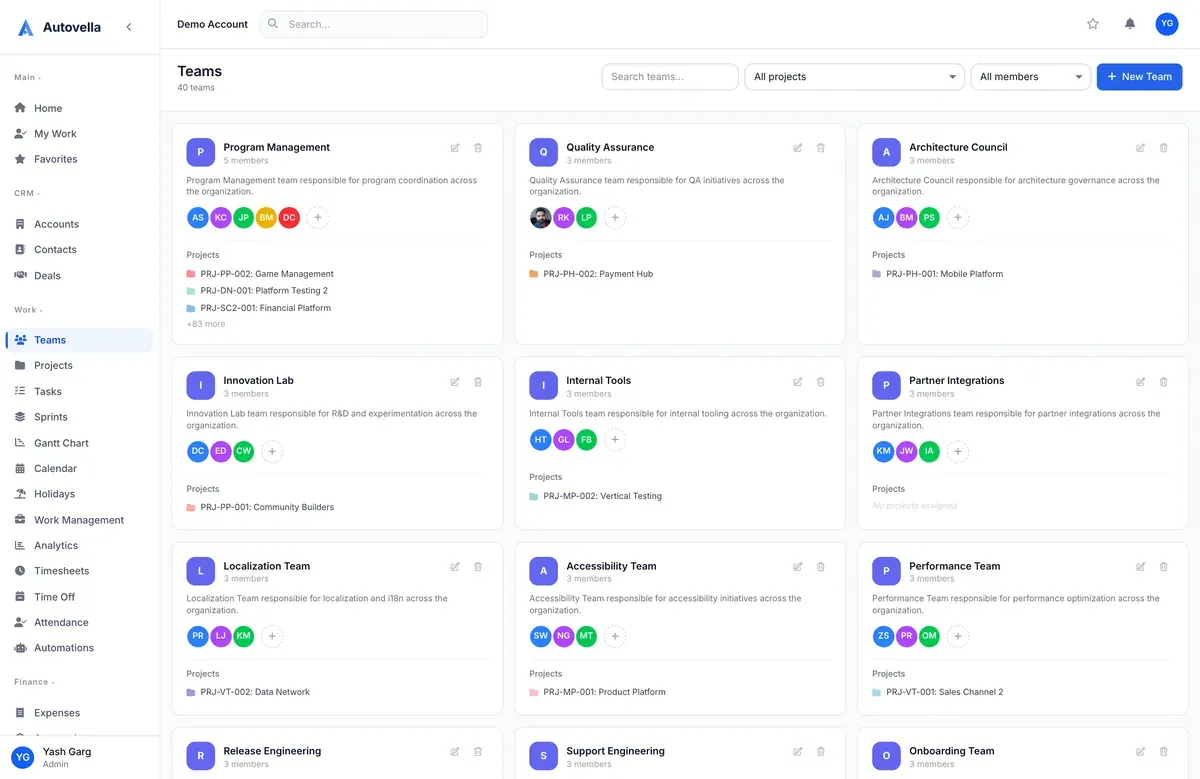 Admin & Security
How role-based permissions, custom roles, and team-based sharing control who can see and edit what.
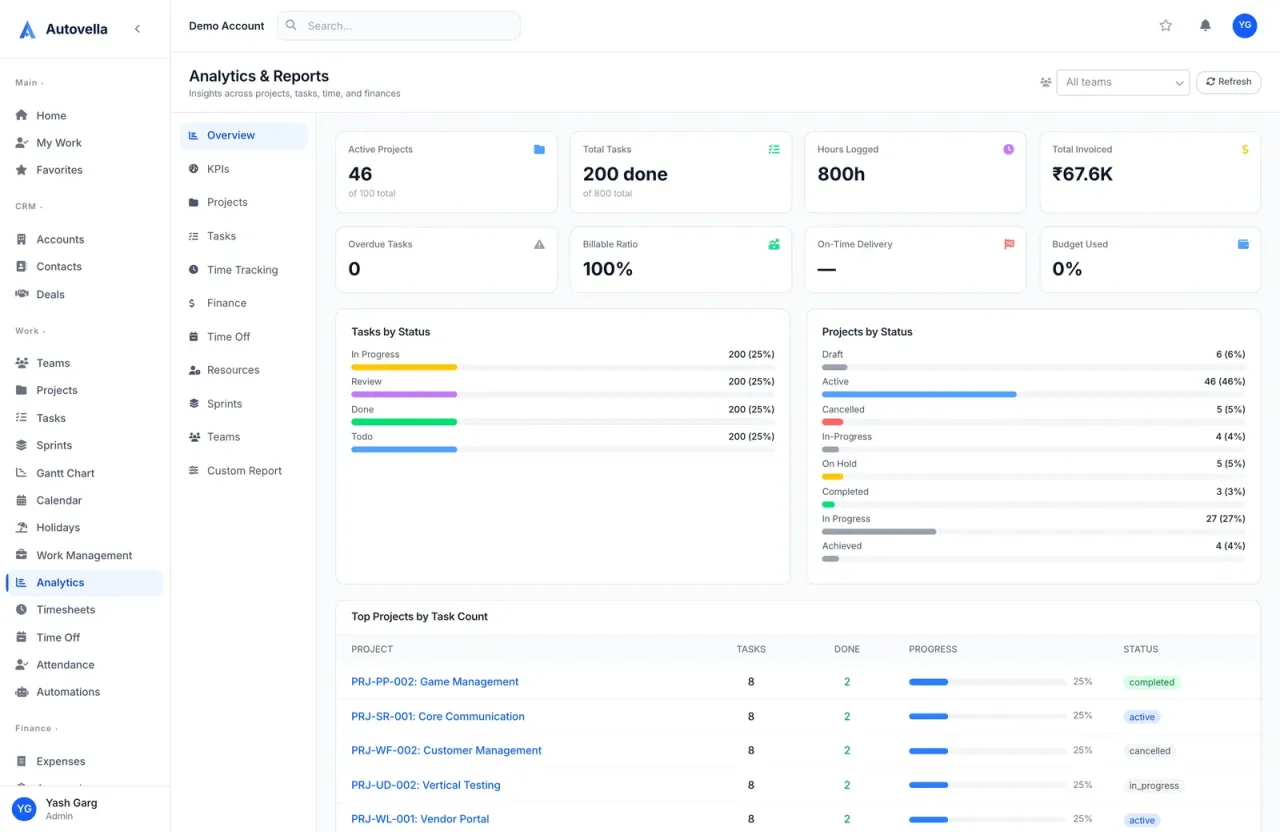 Analytics
How to read dashboards for project profitability, utilization, earned-value management, and delivery velocity.
DevelopersAuthenticate with the REST API, read and write data programmatically, and use webhooks to react to events in real time.