Most of the busywork in a services business follows a pattern: when X happens, do Y. Automation rules let you encode that pattern once so it runs consistently, across projects, CRM, and billing, instead of depending on someone remembering the next step every time.
In this guide
The anatomy of a rule: trigger, condition, actionCommon automation rules to start withAutomating across modulesMonitoring run historyFrequently asked questions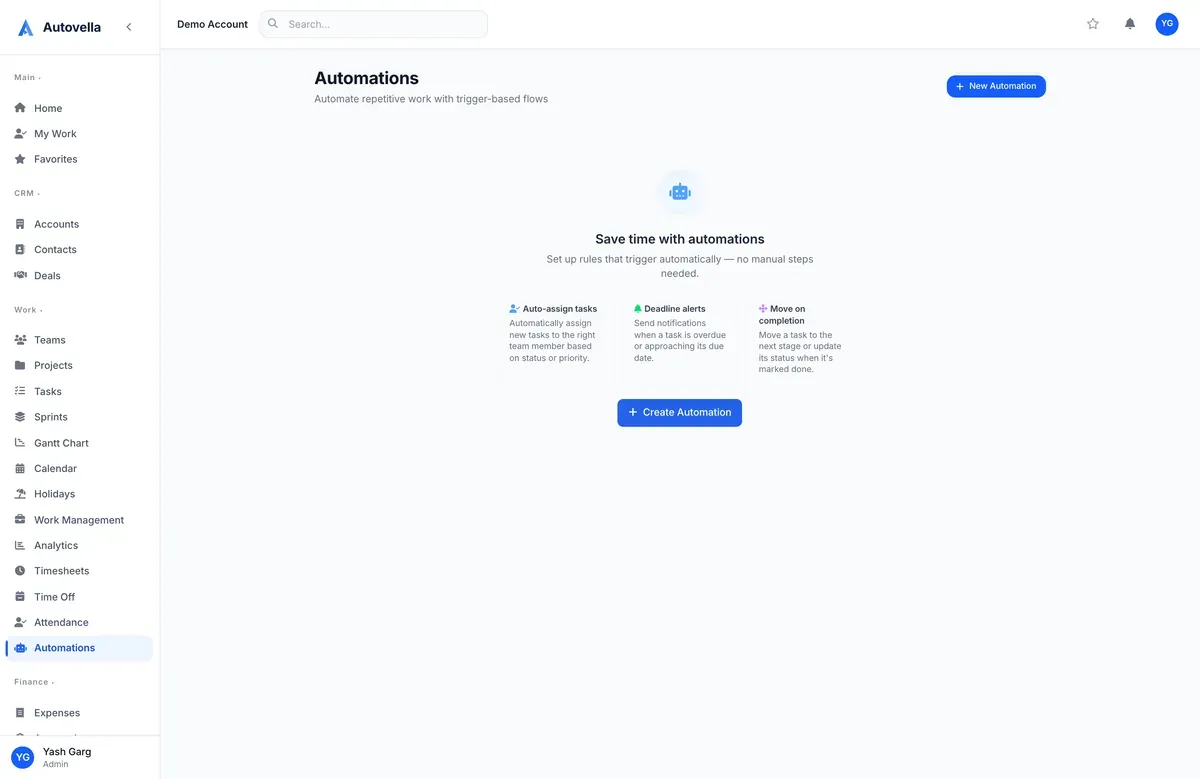
The Anatomy of a Rule: Trigger, Condition, Action
Every automation rule has three parts. A trigger is the event that starts it, a task moving to a status, a new deal created, an invoice going overdue. An optional condition narrows when it fires, only if the project is tagged "Enterprise," only if the deal value exceeds a threshold. The action is what happens, assign a task, send a notification, update a field, move a deal to a new stage.
Build rules from Settings → Automations → New Rule. Each rule can be tested against sample data before it's turned on, so you can confirm it fires correctly before it runs against real projects.
Common Automation Rules to Start With
- When a task moves to "In Review," notify the project owner automatically
- When a deal is marked Won, assign a follow-up task to prepare the kickoff meeting
- When an invoice passes its due date, flag it and notify the account owner
- When a new project is created from a template, auto-assign default owners per section
Start with two or three rules that remove a task you or your team does manually every week, rather than trying to automate everything at once.
Automating Across Modules
Because CRM, projects, time, and billing share one data model, a rule's trigger and action don't have to stay in the same module. A deal closing in CRM can trigger a project creation; a project reaching 100% complete can trigger a final invoice draft; an overdue invoice can trigger a task assigned to your collections lead. This cross-module reach is what separates real workflow automation from a simple notification setting.
Monitoring Run History
Every rule keeps a run history showing when it fired, what triggered it, and what action resulted, visible under the rule's detail page. If a rule isn't behaving as expected, this history is the first place to check, most issues turn out to be an overly broad or overly narrow condition rather than a rule that isn't running at all.
See automation rules running across real workflows
We'll help you identify the two or three rules that save your team the most time.
Frequently asked
Yes, rules can be run against sample or existing data in a test mode before activation, so you can confirm the trigger and condition behave as expected without risking unwanted actions on live projects.
Rules can trigger on an event in one module and act in another, a won deal can create a project, a completed project can draft an invoice, since all modules share the same underlying data model.
Every rule has a run history showing exactly what triggered it and what action it took, which is the fastest way to diagnose an unexpected result. Rules can be paused instantly from their settings without deleting the configuration.