The setup: a managed support contract of 2,500 per month with 20 included hours. The client also needs a software licence passed through at cost. Autovella shows the hours and the expense, so the invoice matches the work.
In this guide
The example numbersThe invoice mathsThe expense cautionWhat to set upFrequently asked questions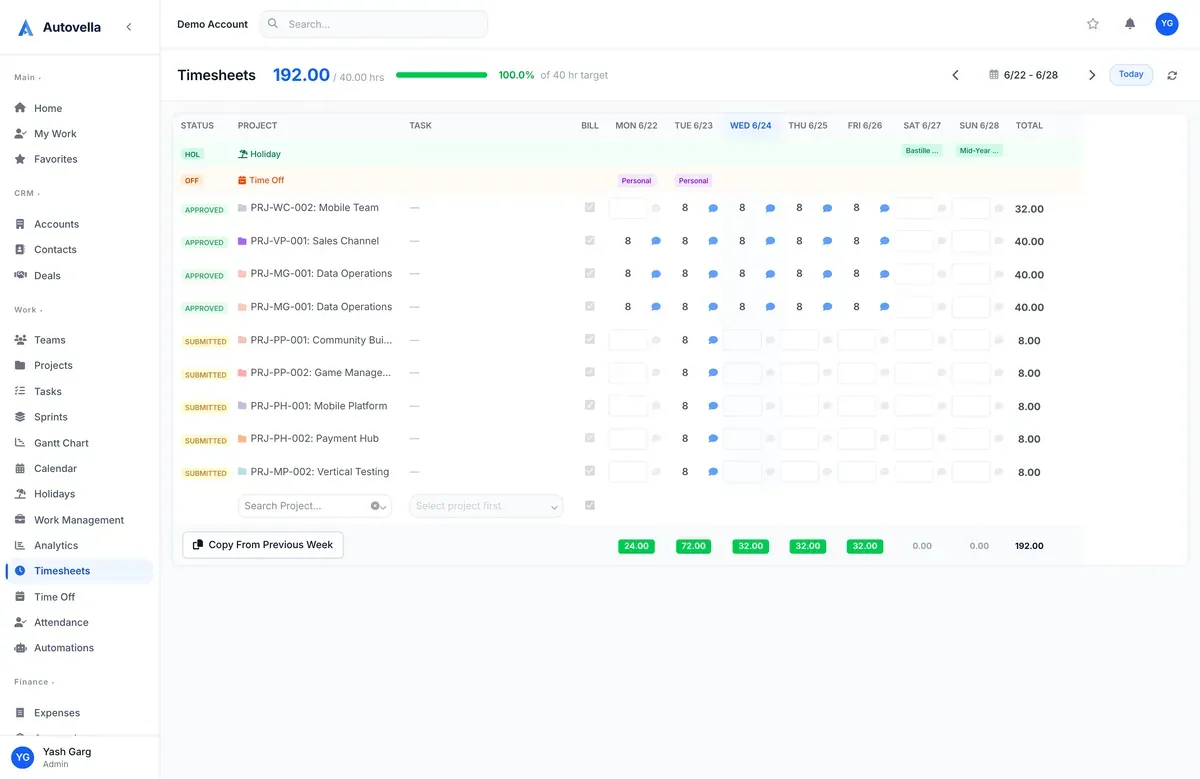
The example numbers
Worked example, not a customer result. All numbers below are made up to show the arithmetic. Replace them with your own rates, hours and fees.
- Monthly contract fee: 2,500, with 20 included support hours.
- Hours logged in the month: 27.
- Overage rate: 80 per hour.
- Pass-through licence expense: 120, marked billable.
The invoice maths
- Overage hours: 27 minus 20 = 7 hours.
- Overage charge: 7 times 80 = 560.
- Licence pass-through: 120.
- Invoice total: 2,500 plus 560 plus 120 = 3,180.
Logged support hours sit on Timesheets against the client's support project. The licence is an expense on the project. Check that the expense is set to billable, since the invoice pulls in every approved project expense in the date range. See Tracking expenses.
The expense caution
Billable flag. Generate from Project includes all approved project expenses in the date range, and it does not check the Billable to client flag. Remove any internal expense from the range or keep it on a separate project.
What to set up
- One standing support project per client, linked to the client's account.
- Approvals of timesheets each week. See Approvals.
- Monthly invoicing on a separate date range per invoice, to avoid overlap.
Frequently asked questions
No. There is no automatic recurring invoice. You create the monthly invoice, add the contract fee as a Custom Item and generate the overage from the project.
Client users with the Customer role have read-only access to the projects and tasks they are linked to, so they can see progress. Check the sharing and access setup before you invite them.
Generate from Project includes all approved project expenses in the date range, regardless of the Billable flag. Keep internal costs out of the range or on another project.