The setup: a fixed fee of 30,000 for an engagement estimated at 200 hours. Consultants log time in Autovella, and the project shows the budget used and the margin as the work goes on.
In this guide
The example numbersThe margin mathsCatch the drift earlyWhat to set upFrequently asked questions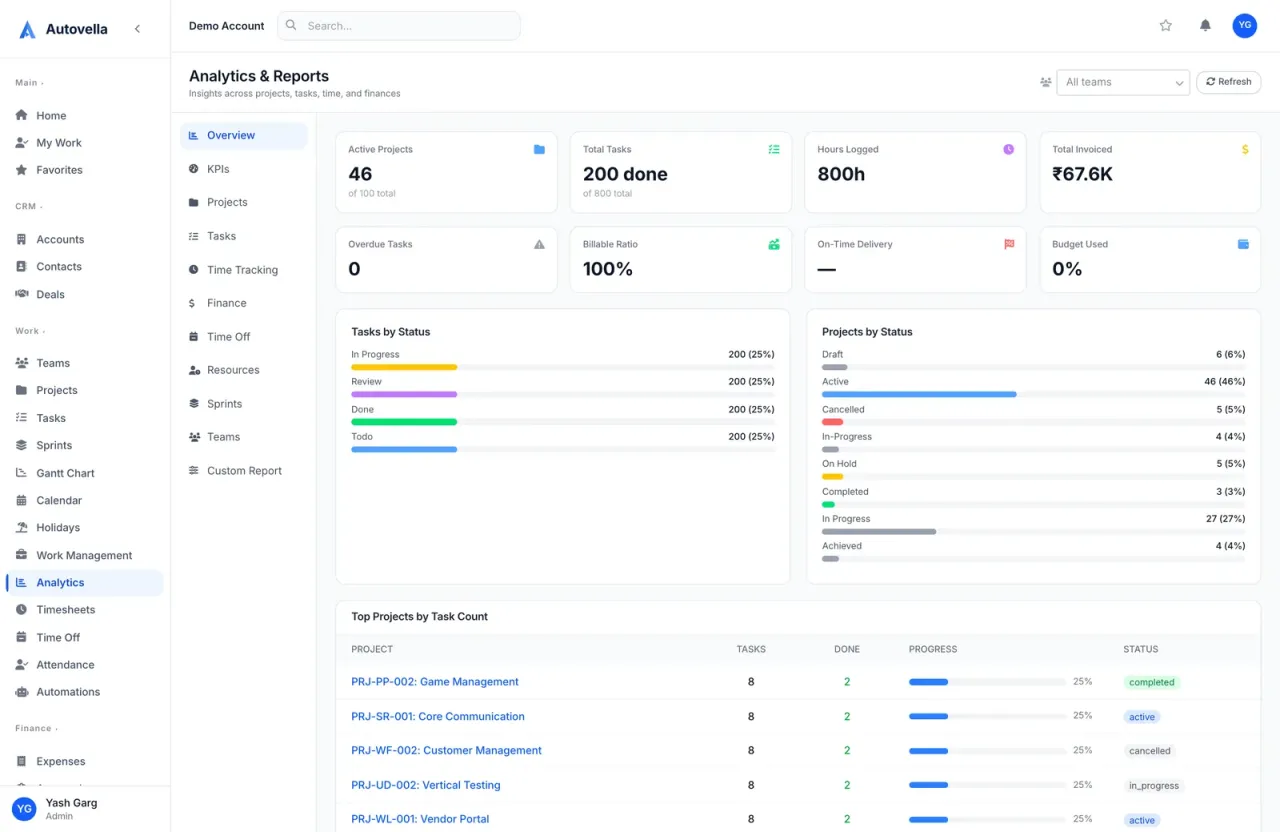
The example numbers
Worked example, not a customer result. All numbers below are made up to show the arithmetic. Replace them with your own rates, hours and fees.
- Fixed fee: 30,000. Planned hours: 200 (so 150 per hour planned).
- Actual hours logged at the end: 240.
- Blended cost rate: 40 per hour.
The margin maths
- Cost of delivery: 240 times 40 = 9,600.
- Margin: 30,000 minus 9,600 = 20,400, which is 68% of the fee.
- Effective rate: 30,000 divided by 240 = 125 per hour, against 150 planned (30,000 divided by 200).
In Autovella, cost rates come from each person's profile (Cost Rate and Bill Rate), and project profitability needs both. Without cost rates, Profitability shows as unavailable. See Analytics and reports.
Catch the drift early
The useful number is not the final margin but the trend. Check Budget Used against the percentage of the plan complete on the project's Health tab. If 70% of the fee is used while only 50% of the milestones are done, the margin is shrinking, and you can act while there is still time to change the scope.
Keep logging time on fixed-fee work. Logged hours are the only way to see overrun. This is practical guidance, not a setting in the product.
What to set up
- Set the corporate currency under Settings, Company Settings, Company Information.
- Fill in Cost Rate and Bill Rate on every consultant's profile.
- Always fill the project Budget.
- Use Org Chart managers so approvals reach the right person. See Teams and org chart.
Frequently asked questions
No. Autovella shows Budget Used and margin figures, but it does not block time entries when a budget is exceeded. Watching the figures is your job.
A project Budget, and Cost Rate and Bill Rate on the profiles of the people who log time.
Yes, with New Invoice and a Custom Item for the fee, or with Generate from Project for hourly billing. Flat-rate billing is not offered as a separate option in the UI.